- Target Audience
- TRE Operator
- Time to read
- 5 min
Reviewing and Approving Outputs
This guide describes how an Output Checker reviews and approves data egress requests using the Egress Layer.
Prerequisites
Knowledge
- Understand your organisation’s output checking procedures and Standard Operating Procedures (SOPs).
- Know how to review outputs in accordance with the project’s governance and disclosure control policies.
- Be familiar with the Five Safes TES Egress application.
Technical requirements
- A deployed Egress Layer.
- An Egress administrator account. A Keycloak administrator must create a user with the
data-egress-adminrole. See Add Keycloak User.
Review Output Requests
Sign in
Sign in to the Egress Layer using an account with the data-egress-admin role.
View Unprocessed Requests
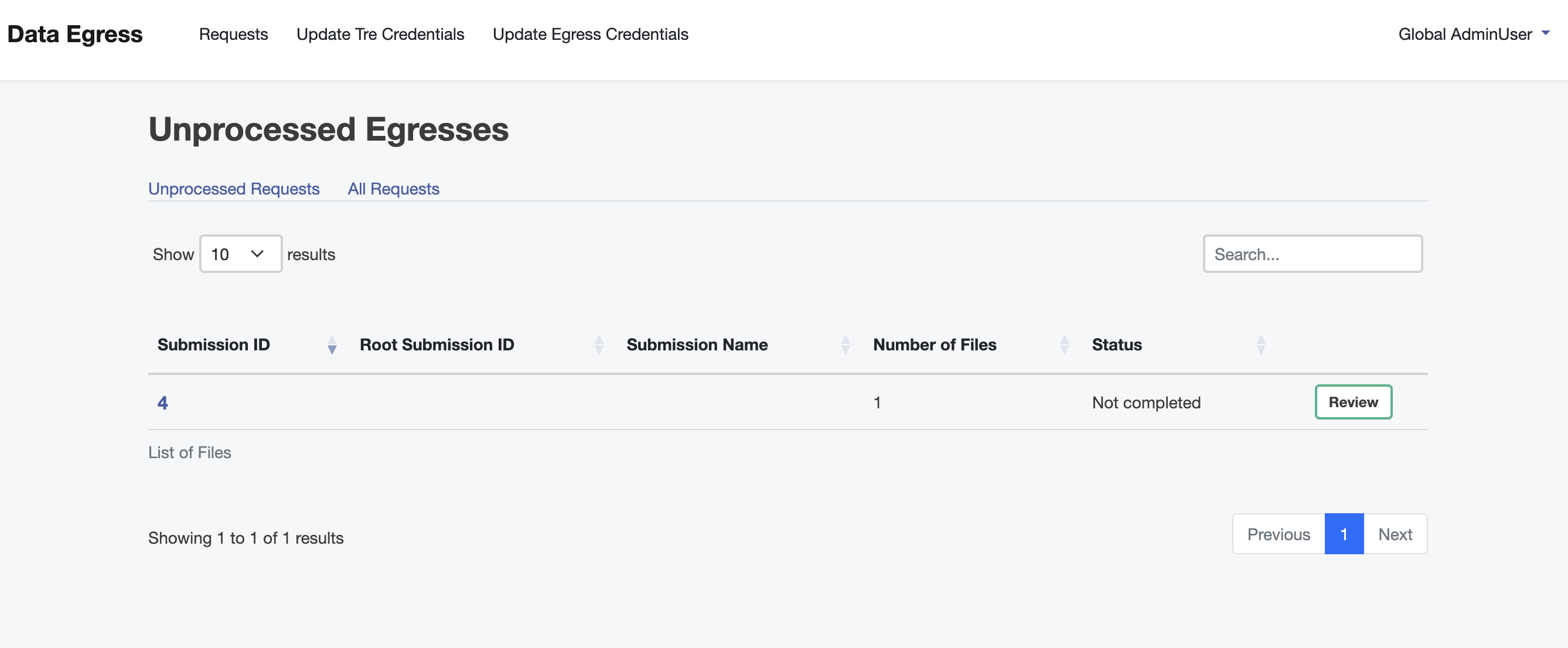
Navigate to the Requests page and select the Unprocessed Requests tab.
All output requests that require review are displayed.
Review an Output Request
Select the output request you want to review by clicking Review.
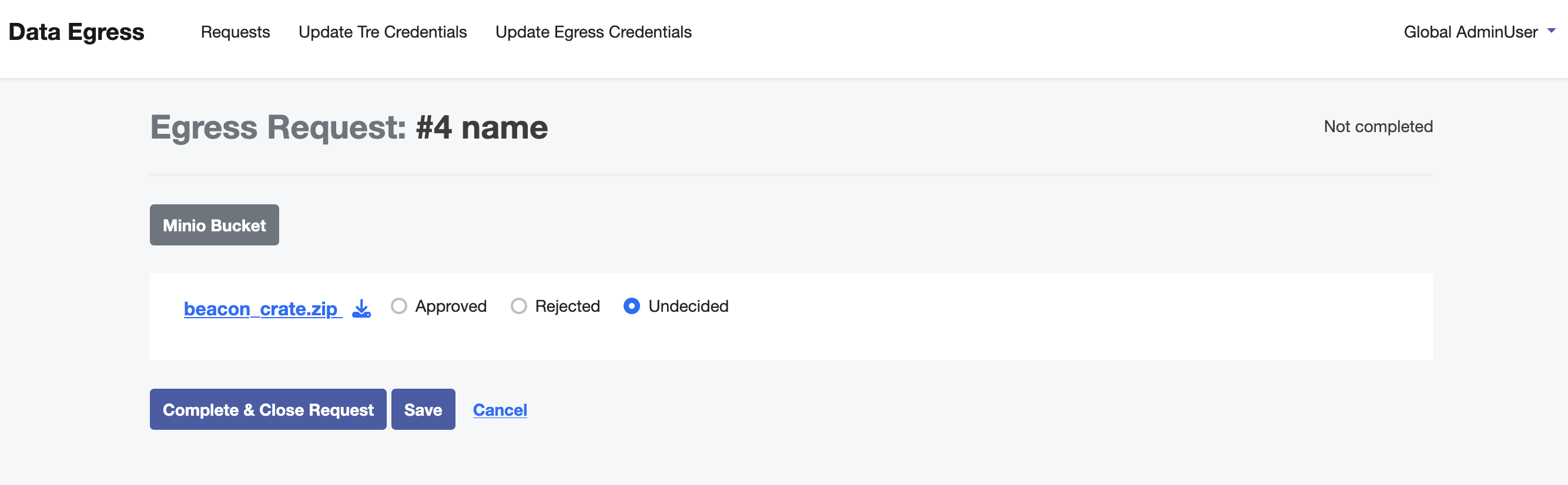
Download the requested output files and review them according to your organisation’s policies and procedures.
Approve or Reject Outputs
For each output within the request, choose either Approved or Rejected.
If you are not ready to complete the review, select Save to store your progress and continue reviewing later.
When the review is complete, select Complete & Close Request.
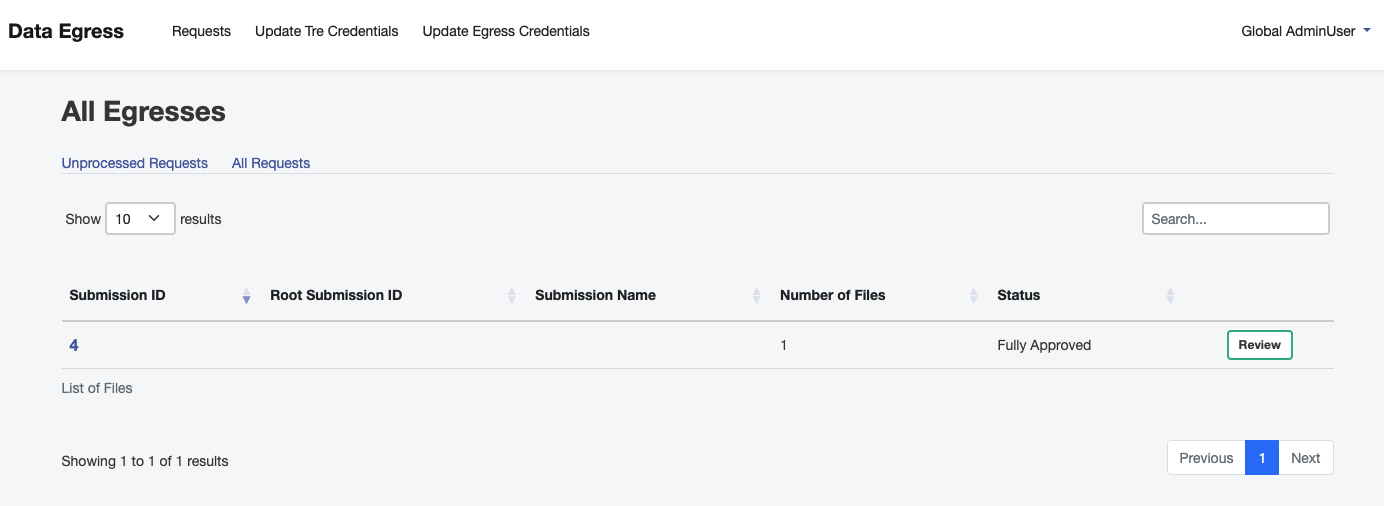
The request is returned to the Requests page and its status is updated (for example, Fully Approved).
Output requests can be reviewed over multiple sessions. Selecting Save preserves your decisions until you are ready to complete the review.