Approving Project Access to TRE
Process
The TRE Agent will sync any Projects created in the submission layer every 10 minutes by default.
To adjust how long between each sync change the syncSchedule setting.
Login
Log in to the TRE Agent
- If you are using the DemoStack, the TRE Agent UI is available at
http://localhost:8989/with the usernameglobaladminuserand passwordpassword123. - If you are using a regular deployment, the TRE Agent UI is available at the port
8989of the host machine ofTRE. - For regular deployment, to access the TRE Agent UI, you may need to create a new TRE admin user in the
Dare-TREKeycloak realm, with thedare-tre-adminrole and joined thedare-tre-admingroup.
Find Project
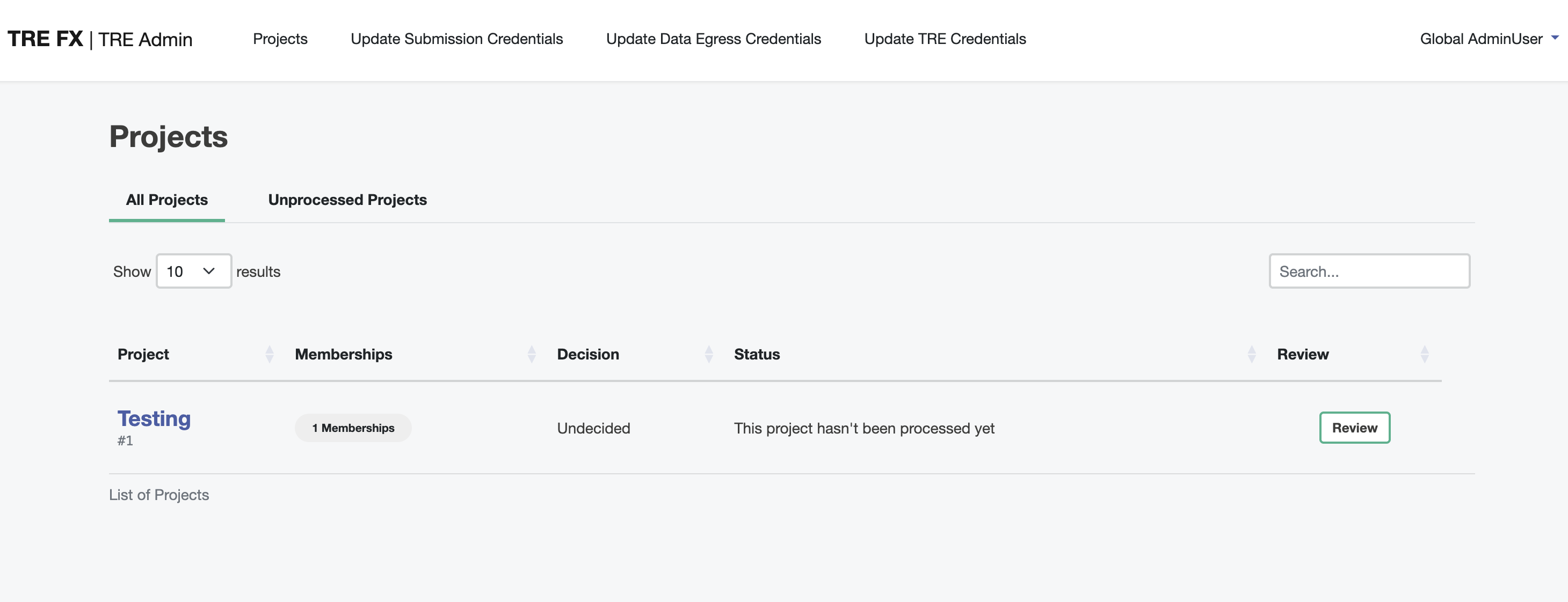
Once the TRE Agent is in sync, the Project will appear in the TRE Agent UI.
Approve Project
Select the project you wish to process. Navigate to the Project Approval section to approve the Project.
You may also enter the local name of the project.
💡
Note that rejected projects cannot be returned to an ‘undecided’ or ‘approved’ status again.
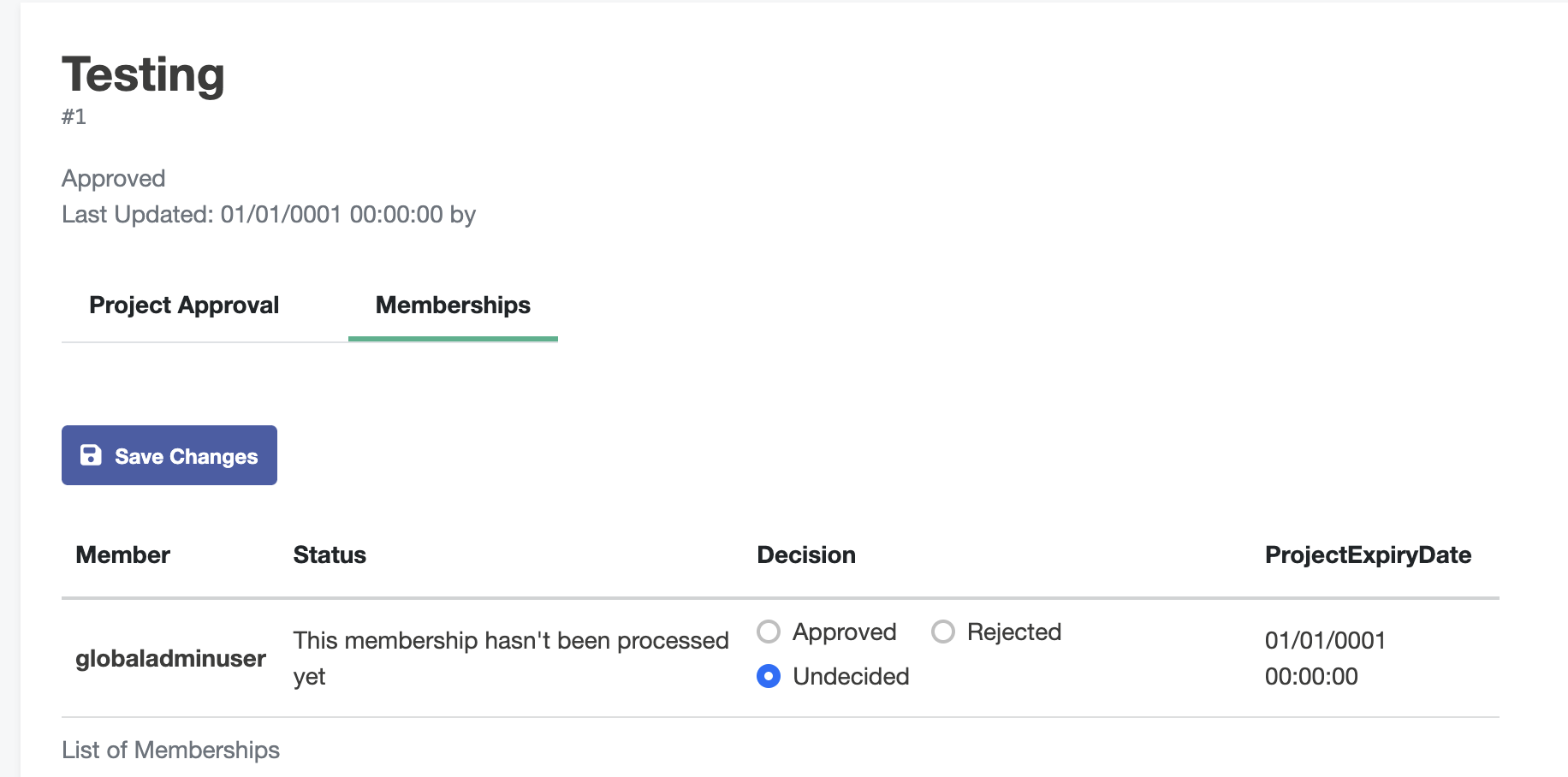
Approve Project User Membership
Navigate to the Memberships section to approve the users that can submit to that Project. Set the decisions for each user. Once ready click the ‘Save Changes’ button.